
Pricing
Advanze Calendar Pricing
Choose the perfect plan for your organization
Smart calendar with meeting scheduling, room booking, and AI assistant integration

Pricing Overview
Flexible plans that grow with your business
Smart calendar with meeting scheduling, room booking, and AI assistant integration Choose the plan that fits your current needs, and scale up as you grow. All plans include mobile apps, enterprise-grade security, and regular updates.
Every tier includes full access to core features, with higher tiers unlocking advanced capabilities, increased capacity, and premium support options.
Choose Your Plan
Select the tier that matches your organization's needs

Compare Plans
Detailed feature comparison to help you choose the right plan
| Features | Basic | Professional | Enterprise |
|---|---|---|---|
| Core Features | |||
| Users | Up to 10 | Up to 100 | Unlimited |
| Meeting Rooms | 3 | 25 | Unlimited |
| Team Scheduling | ✓ | ✓ | ✓ |
| Mobile Apps | ✓ | ✓ | ✓ |
| Advanced Features | |||
| Room & Resource Booking | — | ✓ | ✓ |
| AI Scheduling Assistant | — | ✓ | ✓ |
| Meeting Analytics | — | ✓ | ✓ |
| Custom Integrations | — | — | ✓ |
| Dedicated Support | — | — | ✓ |
Frequently Asked Questions
Common questions about Advanze Calendar pricing
Can I switch plans later?
Yes! You can upgrade or downgrade your plan at any time. When you upgrade, you'll get immediate access to new features. If you downgrade, the change takes effect at the start of your next billing cycle.
What payment methods do you accept?
We accept all major launch payment options (Visa, Mastercard, American Express, Discover), PayPal, and bank transfers for Enterprise plans.
Can I talk to sales before launch?
Absolutely. There are no long-term contracts or cancellation fees. You can cancel your subscription at any time and retain access until the end of your billing period.
Do you offer discounts for non-profits or education?
Yes! We offer special pricing for qualified non-profit organizations and educational institutions. Contact our sales team at Contact sales to learn more.
Next step
Ready to get started?
Start your free trial or contact our sales team for a personalized demo.
Why this pricing path matters
Advanze Calendar Pricing pricing should be understood through the work it helps govern.
It starts with a person trying to get calendar work done without losing context. They need the next action to be clear, but they also need confidence that the platform has checked the risk, evidence, permissions and downstream impact.
What makes it harder in the real world: Schedule conflicts, commitments and dependencies can quietly break execution. In practice, the work may require the right customer or employee context, policy checks, data quality, approvals, exception routing, integration updates and a clear audit trail.
What Advanze changes: Calendar turns schedule pressure into governed coordination by connecting message, schedule, task and collaboration context to agents, workflow, permissions, approvals and audit evidence before work is completed.
Calendar starts as a single app experience, but the real work usually depends on context from other teams, policies, data and systems.
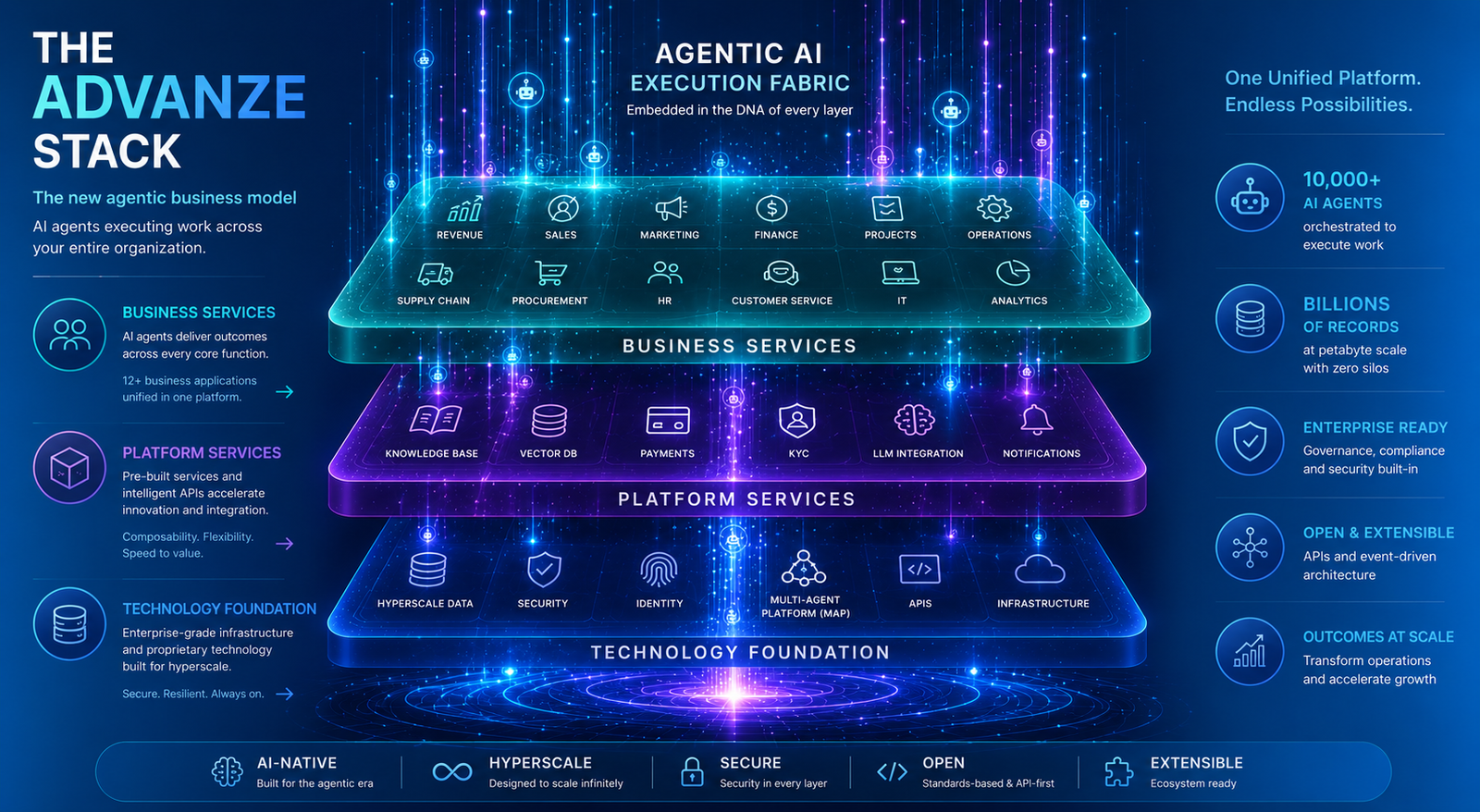
Advanze treats Calendar as part of a governed execution fabric. The app captures the work, agents gather context, workflow routes approvals and the control model determines what can safely happen next.
Calendar becomes more than a screen. It becomes a reliable path from intent to controlled action, with people still responsible for judgement and the platform carrying evidence.



Control model
Useful AI execution needs pricing, permissions and governance to move together.
Calendar is valuable when it participates in the Advanze control model: identity, permissions, workflow, policy checks, data context, audit evidence and human approval boundaries sit inside the execution path.
- Calendar work needs the right message, schedule, task and collaboration context before an agent or user can act with confidence.
- The process often crosses handoffs, approvals, exception paths, SLAs and downstream system updates.
- Different actions need different permission levels: read, draft, update, approve, send, pay, create, close or escalate.
- The business needs evidence of what was requested, what was checked, who approved, what changed and why.